10+ Must-Have WordPress Plugins to Supercharge Your WooCommerce Store in 2026


A good online store needs much more than just products. WooCommerce provides you with a great basis to build your business on, yet it is all about extending its functionality using appropriate plugins. With so many plugins available both for free and paid, it may seem impossible to choose those which make a difference.
The thing is, every good plugin addresses one very specific task: it makes visitors buy from you, streamlines repetitive tasks, keeps you protected by the law, makes payment process better, and so forth. You install the wrong ones, your website becomes bloated. You install right ones, you earn money and save time.
That is why we’ve come up with this list of 12 WooCommerce-friendly WordPress plugins which are sure to bring you tangible benefits. All in all, they cover the range of tasks which can be found in any online retail store daily practice. Let us find out which plugins should be on your list.
13 Best WordPress Plugins for Your WooCommerce Store
1. WooCommerce Gift Cards
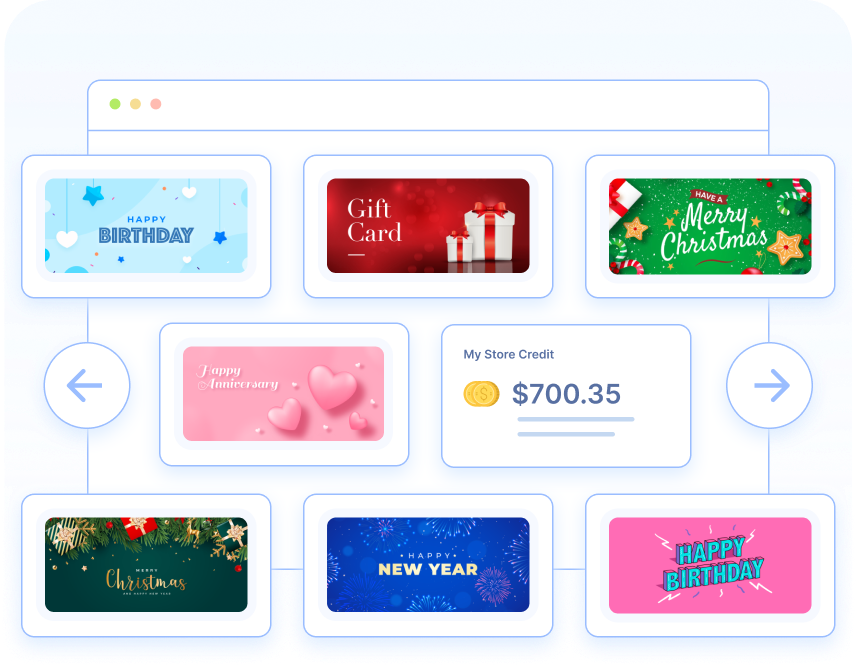
This WooCommerce Gift Card plugin has been proven to work in bringing in new customers and increase sales, and this plugin does not make selling them difficult at all. You will be able to provide both physical and digital gift cards, create unlimited gift card products for different occasions such as birthdays, holiday celebrations, or anniversaries, and provide your customers with an easy and thoughtful gift choice for themselves or someone else.
Customers will be able to choose between fixed amounts of money on the cards or provide their own, and even decide whether the gift card is to be sent instantly via email or scheduled for delivery in the future. The shipping for the physical cards is entirely done within the plugin itself. In terms of administration, you will be able to fully manage the balance, as well as process the store credits as gift card values.
What works exceptionally well with this WordPress gift cards plugin is that it fits perfectly into the shopping process since users will be able to redeem them just like coupons without any effort.
2. TrustPulse
Through the use of TrustPulse, you will be able to enhance the social proof of your online store with live notifications of activities carried out by your customers – purchase confirmation, signups, and customer reviews among others. Live notifications are an excellent psychological trigger, which means that visitors feel safe and comfortable about making purchases when they learn that other visitors have made the purchases before them.
Installation is easy as all you need to do is track visitor activity on the site. You are free to customize the live notification to blend with your brand identity and control when and where such notifications are displayed to the customers. For instance, on certain pages and products.
The uniqueness of this app is evident in the way it enhances urgency and credibility without being intrusive.

3. Smart Coupons for WooCommerce
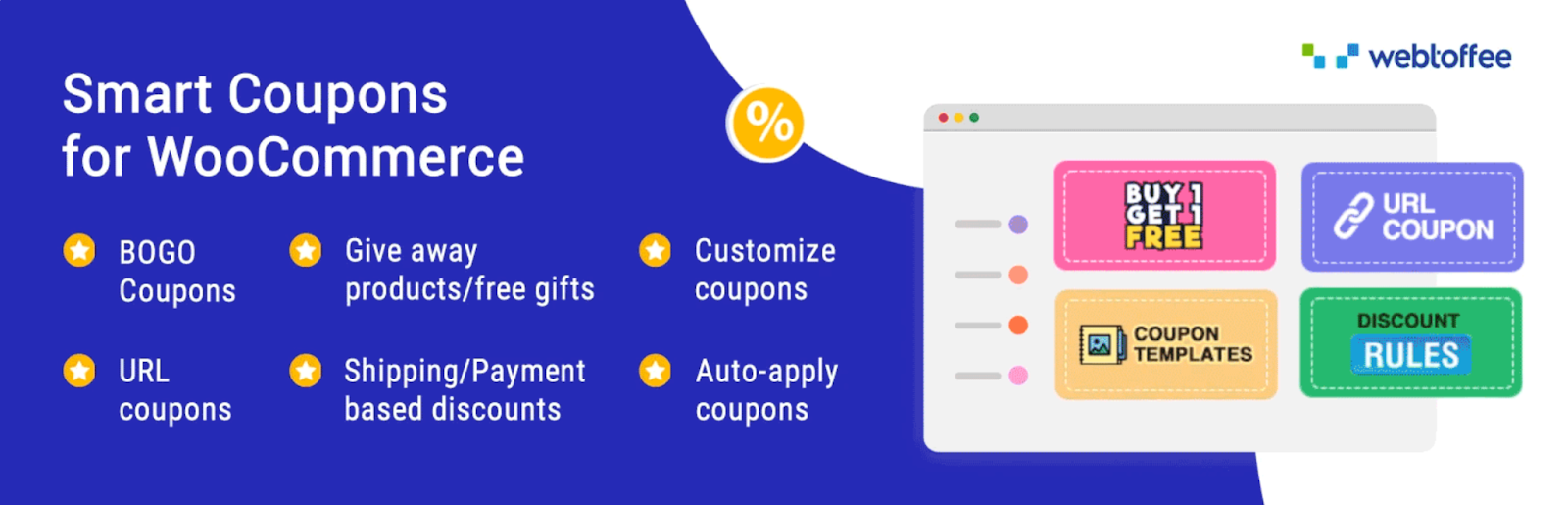
In cases where you wish to go beyond the basic WooCommerce discount functionality, this woocommerce coupon generator plugin is tailor-made for your needs. This powerful extension allows you to set up any type of discount that you might think of: percentage discount, BOGO deal, gift certificates, and store credit, all managed from one dashboard.
It provides precise control of your promotional activity: limit discounts according to certain products or categories, or even specific user roles; generate bulk coupons prior to peak sales seasons, and automatically pre-apply coupons on links that allow customers to use them without entering codes manually.
Greatest advantage of this advanced coupons plugin lies in automatic customer engagement through coupons that run silently behind the scenes and help you retain loyal customers, recover lost carts, or increase sales through higher order volumes.
4. Eventin
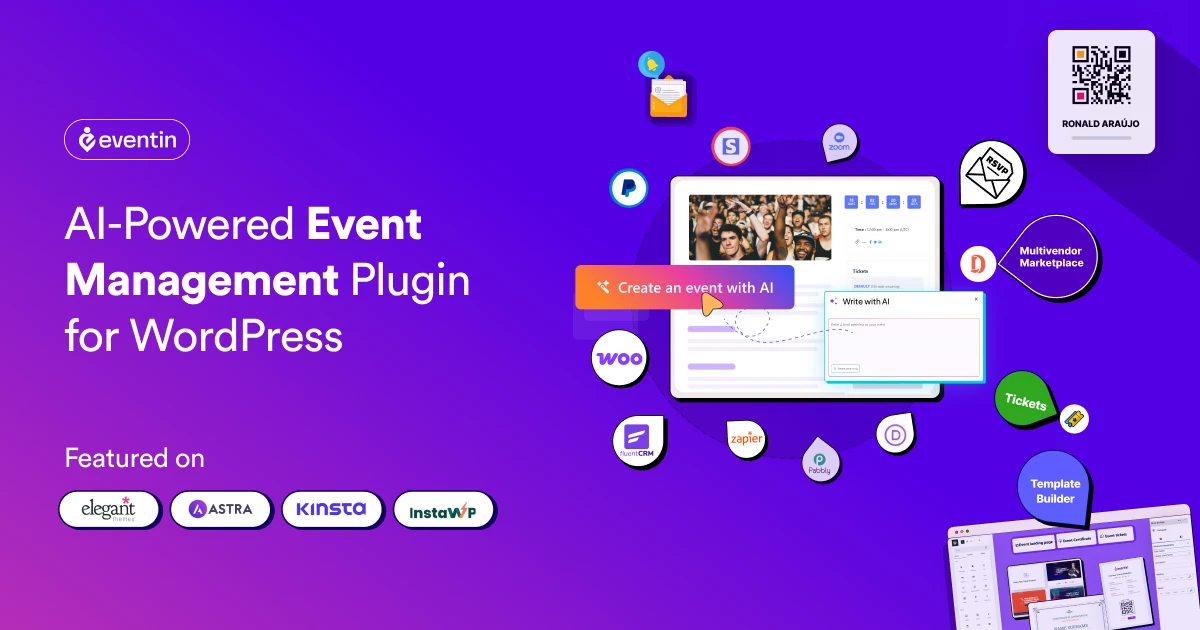
This AI-powered WooCommerce event management plugin allows you to create events and sell tickets directly from your online store. Eventin AI can generate event titles, descriptions, schedules, FAQs, tags, categories, and banners, helping you prepare event pages faster. You can use it for conferences, workshops, webinars, classes, and other in-person, virtual, or hybrid events.
You will be able to create free or paid events, offer multiple ticket types, control ticket availability, and manage registrations from WordPress. Customers can purchase tickets through WooCommerce checkout, apply available coupons, and pay through WooCommerce-supported payment gateways. After purchase, each attendee receives a digital ticket with a unique QR code for quick event check-in.
What works exceptionally well with Eventin is that it combines AI event creation with WooCommerce ticket sales in one system. You can manage attendees, RSVPs, recurring events, speakers, schedules, automated emails, and event reports without using a separate ticketing platform. This makes Eventin a practical choice for WooCommerce store owners who want to create events faster and sell tickets alongside their existing products.
5. Variation Swatches for WooCommerce
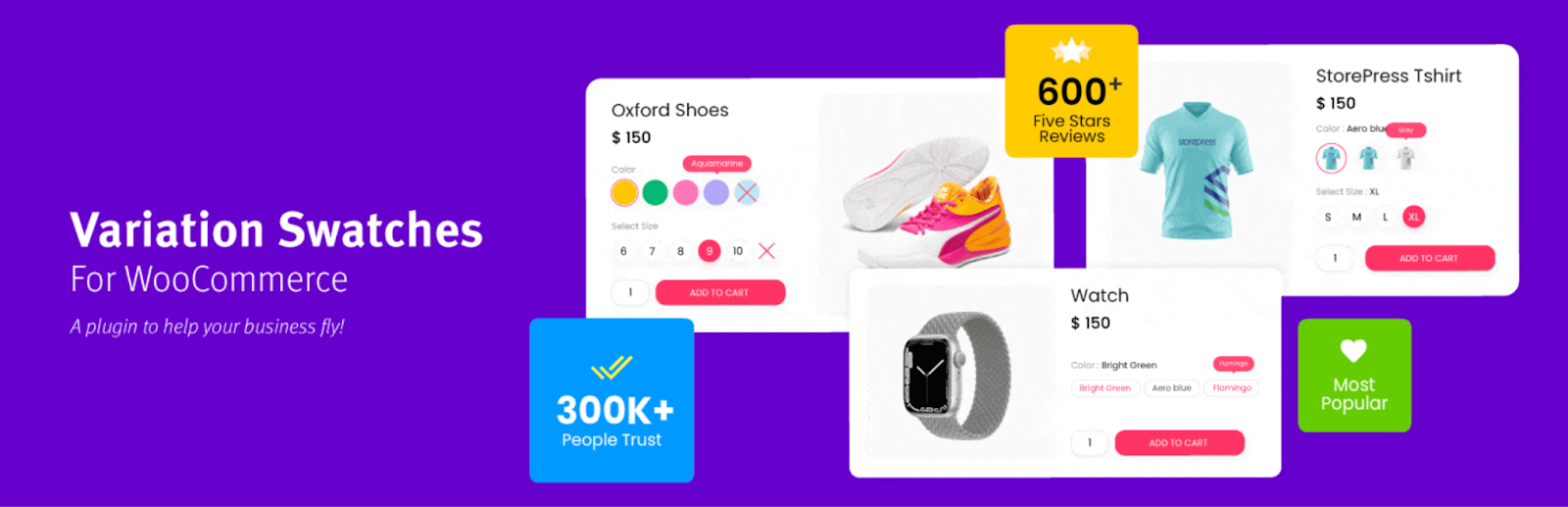
The Variation Swatches plugin is a tiny adjustment with a huge effect on how customers will browse for variable items. Instead of boring drop-down lists, it shows the variation in a form of visually appealing and easy-to-recognize image, color or label swatch.
The user can instantly see what the variation will look like, so he won’t have problems with choosing it. Moreover, the swatches are easy to customize with any required styling and dimensions to make them fit into your website design flawlessly. The plug-in has an excellent performance, so no matter how complex your item is and how many variations it contains, you won’t face any lagging. Also, it integrates well with all standard WooCommerce themes.
6. WowAddons Product Addons for WooCommerce
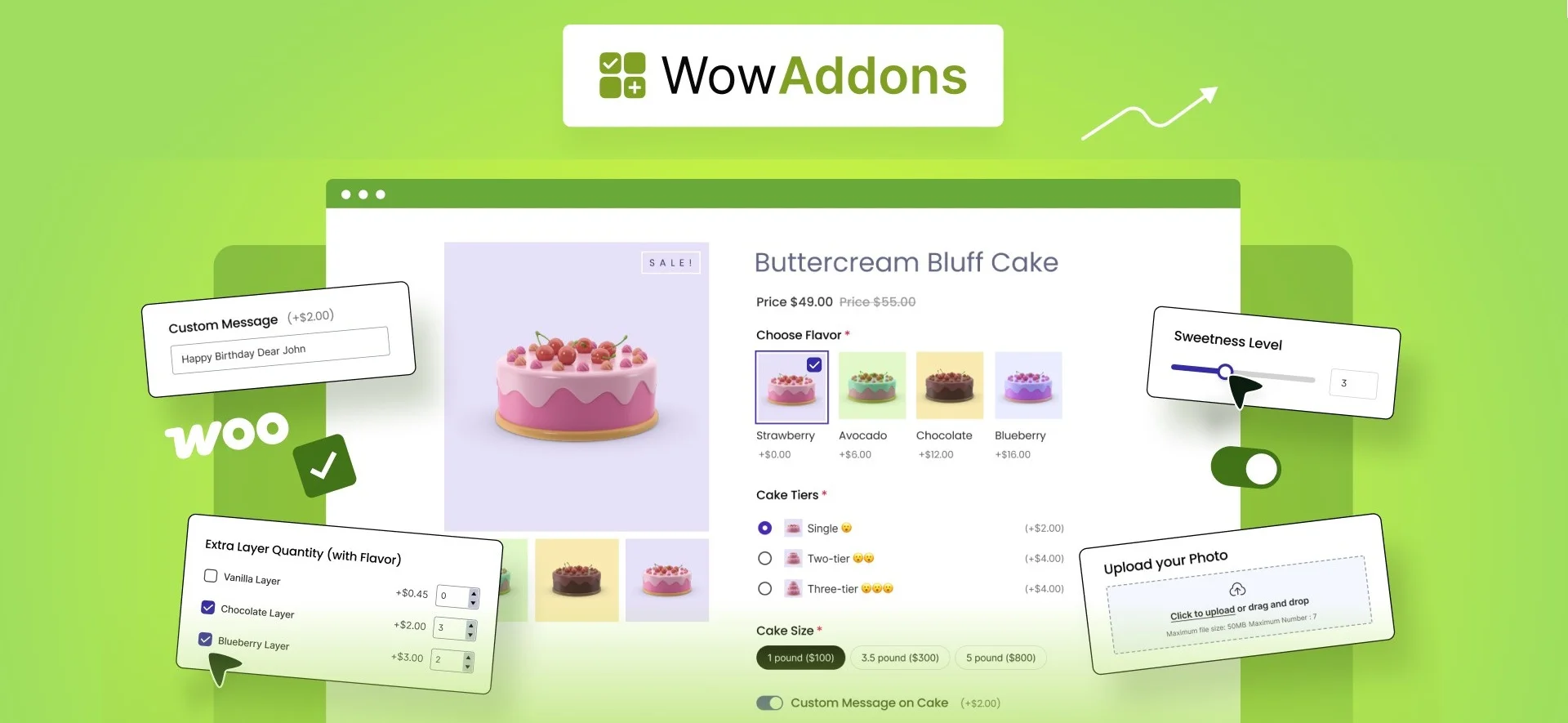
If you sell customizable or personalized products, WowAddons is a useful WooCommerce product addons plugin for adding extra options directly to your product pages. Instead of creating a separate variation for every possible choice, you can let customers personalize products using text fields, color and image swatches, checkboxes, file uploads, date and time selectors, range sliders, and many other field types.
The plugin comes with 25+ product add-ons and also supports conditional fields and real-time price adjustments. This means you can show specific options based on a customer’s previous selection and automatically add extra charges when they choose premium add-ons or upgrades.
What works particularly well with WowAddons is the flexibility it provides for stores selling personalized products. Whether you sell custom clothing, jewelry, gift items, food, or configurable products, you can create a more interactive buying experience without making product management unnecessarily complicated.
7. WooCommerce Product Recommendations
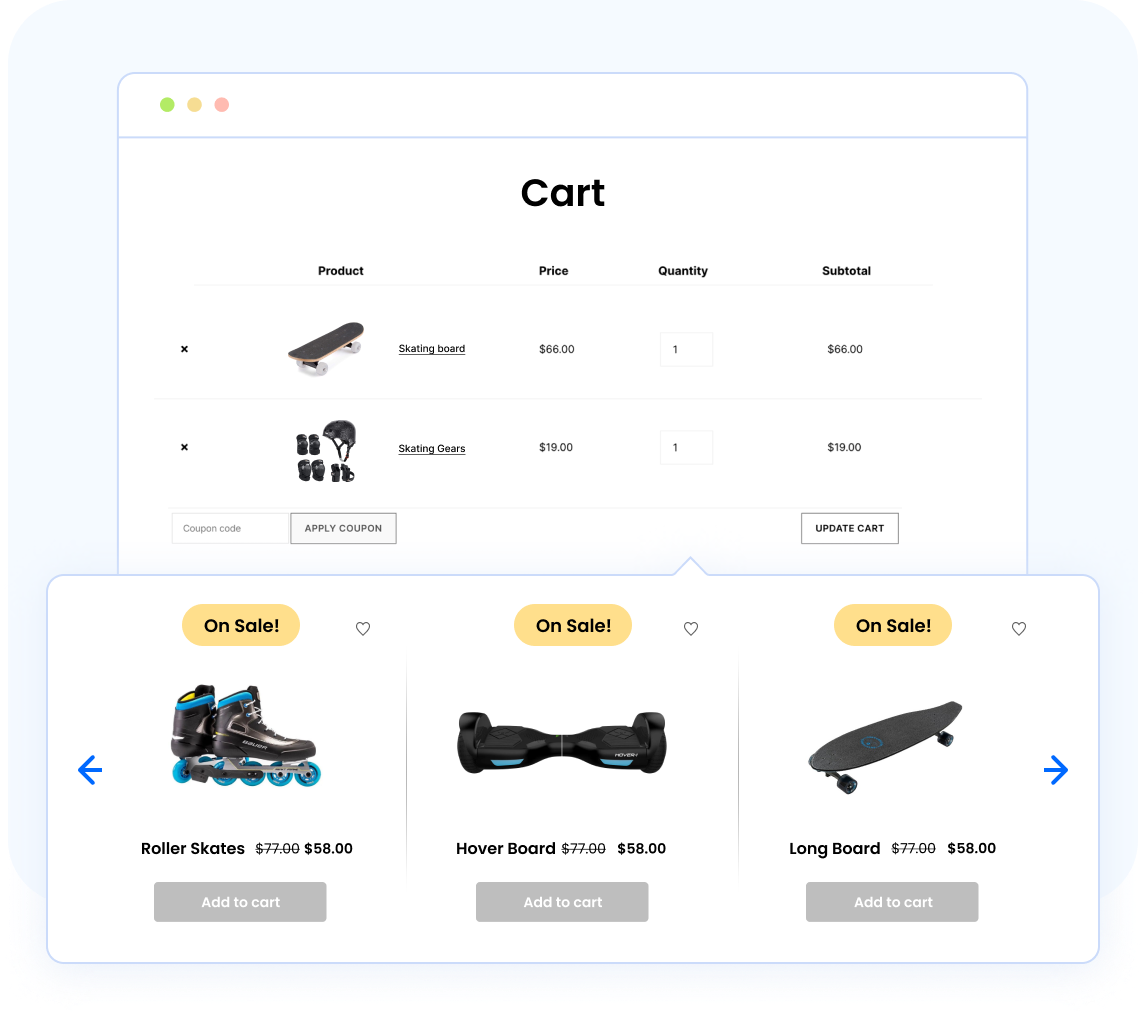
This WooCommerce upsell plugin offers the intelligence and personalization seen on large eCommerce websites in your very own WooCommerce site. It gives you the ability to offer intelligent upsells or cross-sells using data like purchase history, browsing behavior, or similar products at the exact time when the customer is ready to buy something.
The recommended rules using this recommendation plugin can be implemented anywhere – be it the product page, the shopping cart, or even at the checkout page. The user will be able to explore additional or trending products without feeling any kind of sales pressure from you. You get full control over what, where, and when recommendations appear, with extensive sorting options and ready-to-use templates to surface the right products.
This is a highly effective way of making people buy more using their natural browsing and purchasing behavior.
8. MonsterInsights
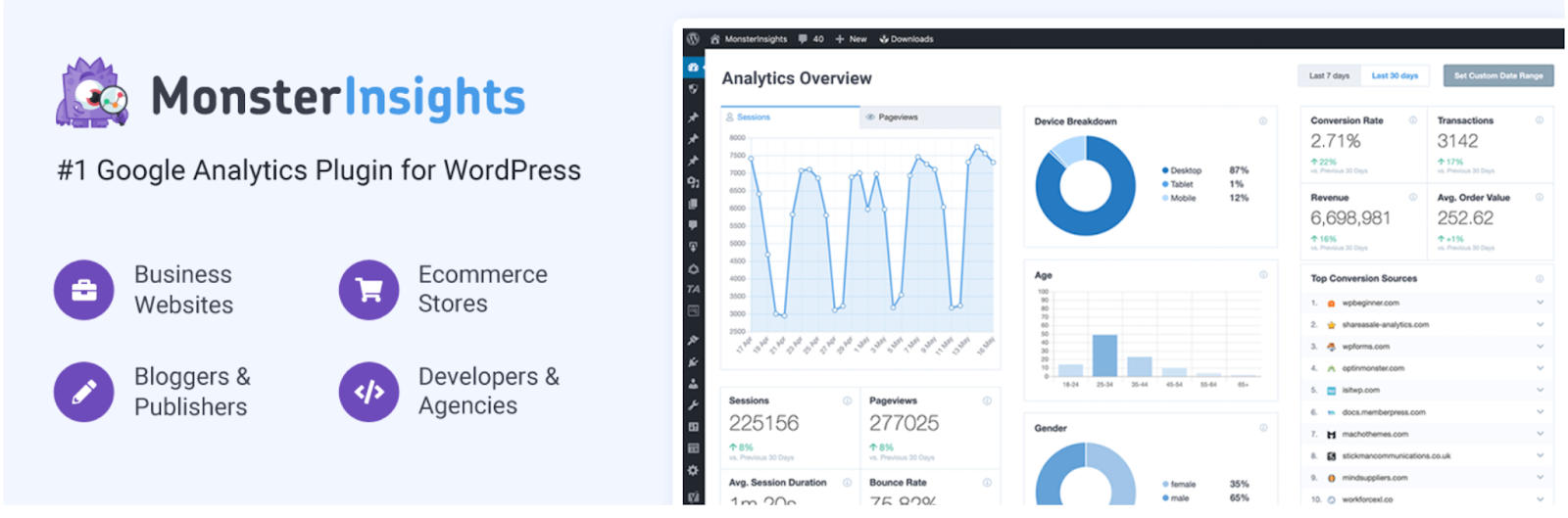
There are many reliable Google Analytics plugins available for WordPress but MonsterInsights is arguably one of the most reliable ones. This plugin allows you to integrate your Google Analytics with your WordPress site without having any technical knowledge as all the necessary information will be provided within your WordPress dashboard itself.
MonsterInsights monitors everything from the behavior of visitors, performance of pages to even eCommerce metrics such as sales, conversion rates, average order value, etc. By simply using this plugin, you will be able to determine which products are most profitable, sources of traffic and even places at which your users tend to abandon checkout.
The eCommerce analysis feature for the WooCommerce store provided by MonsterInsights is an extremely helpful tool as it analyzes customer behavior such as product views, additions to cart, abandoned checkouts, etc.
9. Mollie Payments for WooCommerce
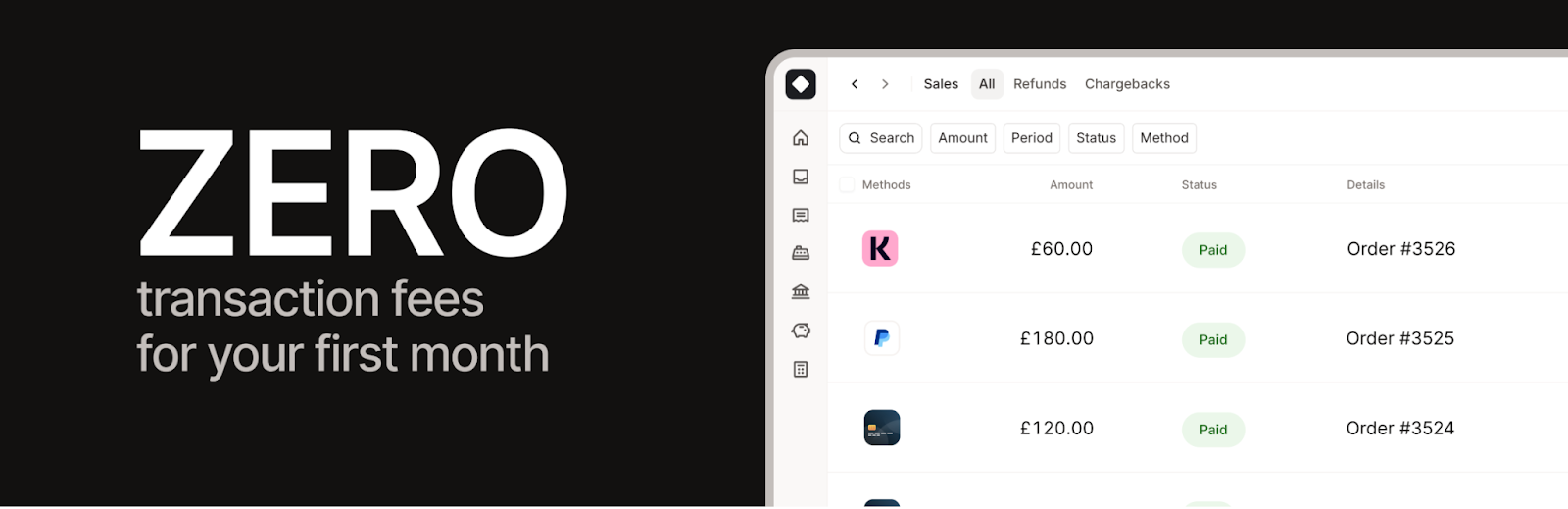
With Mollie Payments, you get a hassle-free and safe checkout process using numerous payment methods ranging from international methods like credit cards, PayPal, Apple Pay, and Klarna to localized solutions such as iDEAL and others. Providing your buyers with the payment method they prefer is the most straightforward way to prevent shopping cart abandonment.
The integration process takes less time, and all your transactions are handled via Mollie’s gateway for safety. With this plugin, you will get real-time reports on your transactions’ status and automatically refund customers from your WooCommerce dashboard.
What makes Mollie unique is its ease of use and reliability. You are able to accept international transactions without worrying about difficult integration processes and safety issues.
10. Dokan
Dokan converts an ordinary WooCommerce shop into a complete multi-vendor marketplace. It allows independent vendors to register accounts, create their storefronts, and publish products on your website. If you have always dreamt of making a marketplace that would be similar to Amazon or Etsy, then Dokan is what you need.
The vendors deal with their products, orders, and shipping separately using their own front-end panel, while you manage the whole marketplace as its administrator. Moreover, Dokan takes care of the vendor commissions, customer reviews for their stores, and withdrawals. Everything about transactions is clearly visible and organized.
The main advantage of Dokan is its flexibility. The plugin works well with various payment systems and is also compatible with many different types of products and WooCommerce extensions. So, whether you want to make either a small niche marketplace or a worldwide one, you can do it with Dokan.

11. Checkout Field Editor for WooCommerce
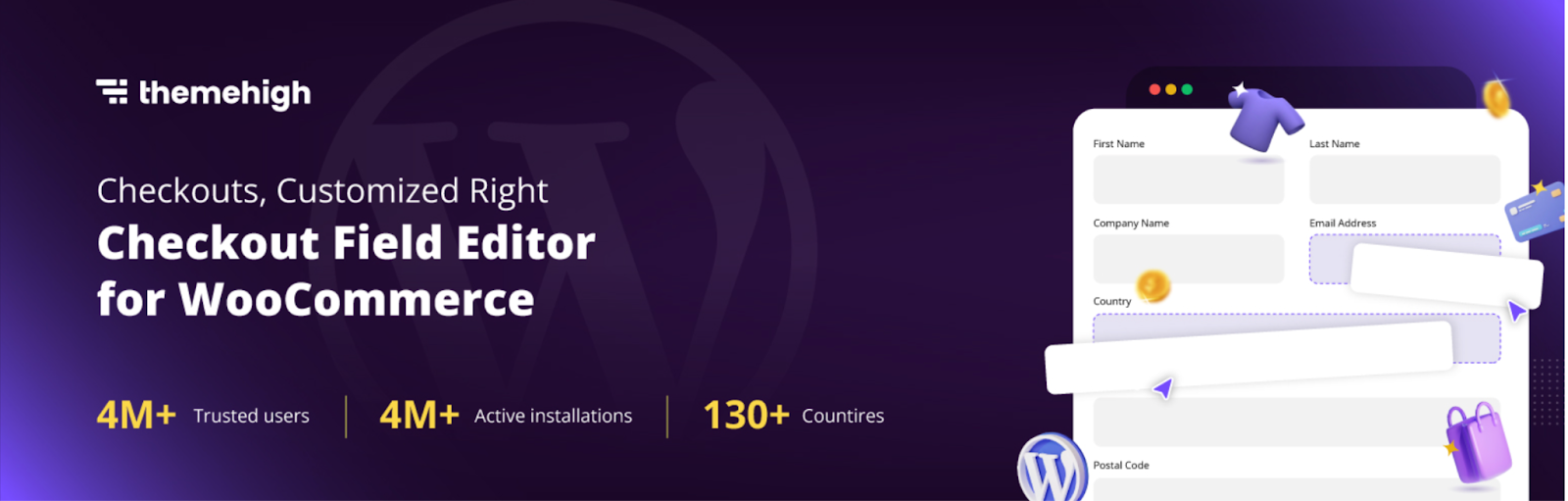
With this Checkout Field Editor plugin, you get complete control of your checkout form. You can modify, add, or delete fields as per your choice, from adding a custom message field to reordering addresses or hiding the fields that you do not want in your form. All you have to do is to configure the form, without having to write any code.
Using this intuitive drag and drop approach, you can design your form easily. Plus, the preview feature ensures that you see exactly how your changes will look like before they get deployed. Also, you can apply the logic of hiding fields based on the products or the customers’ actions on your form.
The major advantage of this plugin is that you get both an improved checkout process and useful data out of it. You can customize your forms depending on which products or which category of customers you are targeting.
12. WebYes Accessibility Tool
WebYes Accessibility Tool ensures that your WordPress and WooCommerce store is accessible to all potential clients, including those who may have physical disabilities, by auditing your site against WCAG and ADA standards and helping you identify and fix issues such as low contrast, missing alt text, and poor heading structure. First and foremost, this tool enables your website to comply with essential standards, such as WCAG 2.1 and ADA compliance, and thus significantly reduce your legal liability concerning accessibility.
In addition to this, it works by solving the problem at its root – in the code, as opposed to overlays and widgets, which do not provide actual accessibility solutions but rather hinder website speed. Furthermore, WebYes provides a complimentary Chrome extension called Accessibility Checker Chrome Extension that performs instant WCAG testing and alerts you of such common problems as absence of alt attributes, bad header hierarchy, insufficient contrast, and so forth.

13. EU Withdrawal Button for WooCommerce
In case your shop is catering to customers within the European Union, the Right of Withdrawal directive (EU 2023/2673) demands that you provide your customers with a means of cancelling their purchase orders within the allotted time period, which has been made effortless by the EU Withdrawal Button for WooCommerce by WebToffee without having to write any codes from scratch. The plugin automatically adds a Withdrawal request button for your customers on the orders page within the account section only when there is still time left in which they could withdraw the order and then guide them with a form containing two-step confirmations in which they may withdraw the complete order or select items separately.
On the admin side, a dedicated Withdrawals dashboard lets you manage every request, approval, and order detail in one place. You can set the withdrawal period to 2, 7, 14, or 30 days (14 is the EU standard, but it’s fully adjustable), embed a withdrawal link in your store footer to meet the directive’s visibility rules, and exclude ineligible products such as virtual, downloadable, grouped, or affiliate items. Best of all, this EU Withdrawal button for woocommerce plugin is completely free to download from WordPress.org, making EU withdrawal compliance accessible for stores of any size.

14. OptinMonster
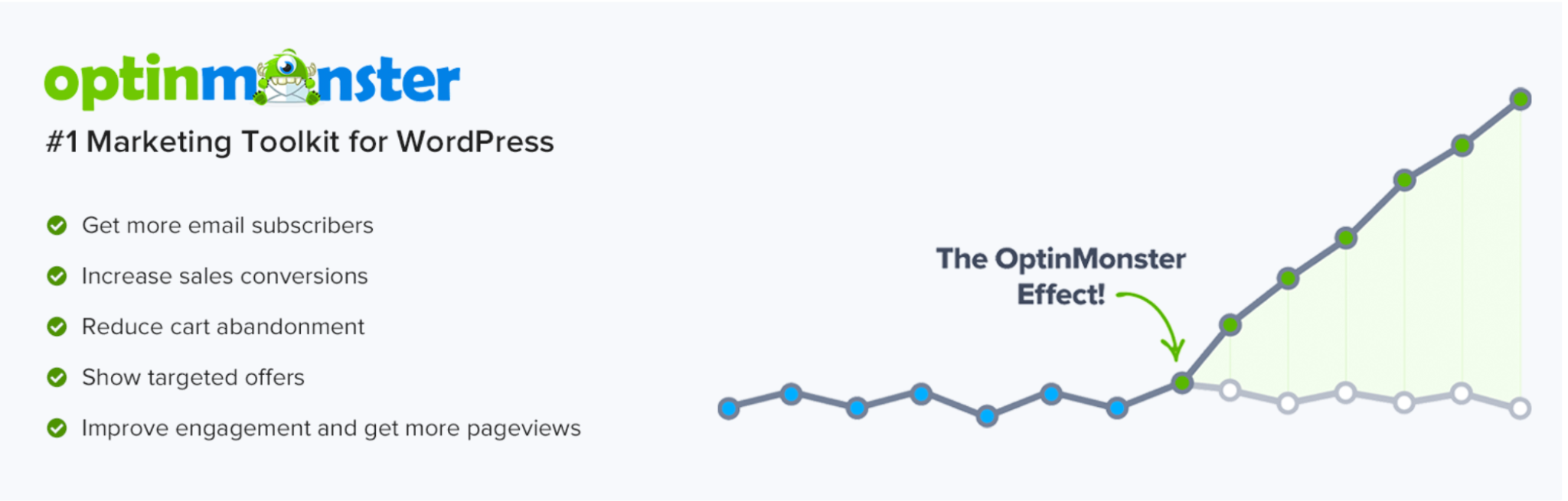
OptinMonster works for store owners to make sure their customers are engaged when the opportunity presents itself during the browsing experience. Tools are available that enable store owners to craft targeted messages to display depending on the customer’s actions.
What sets OptinMonster apart from other similar plugins is the fact that store owners can use the software without having an impact on site speed while testing different engagement tactics. Store owners have the freedom to make changes depending on insights gained.
Conclusion
But running an eCommerce website involves much more than selling quality products – it also implies providing consumers with a smooth, safe, and enjoyable online shopping experience. With these WordPress plugins, you can do just that, as they help manage all aspects of your online business, ranging from marketing to payment processing, security, analytics, design, and much more.
Regardless of whether you have just launched your store or are already looking forward to its expansion, these 16 plugins are what will enable you to operate your website more efficiently. It makes sense to start by filling in your main areas of need and then go on from there.
Did our list come in handy for you? Let us know in the comments which of these plugins you use in your work!
Subscribe to Our Newsletter
Get the latest WordPress tutorials, trends, and resources right in your inbox. No Spamming, Unsubscribe Anytime.

Thank you for subscribing to our newsletter!

Table of Content
- 13 Best WordPress Plugins for Your WooCommerce Store
- 1. WooCommerce Gift Cards
- 2. TrustPulse
- 3. Smart Coupons for WooCommerce
- 4. Eventin
- 5. Variation Swatches for WooCommerce
- 6. WowAddons Product Addons for WooCommerce
- 7. WooCommerce Product Recommendations
- 8. MonsterInsights
- 9. Mollie Payments for WooCommerce
- 10. Dokan
- 11. Checkout Field Editor for WooCommerce
- 12. WebYes Accessibility Tool
- 13. EU Withdrawal Button for WooCommerce
- 14. OptinMonster
- Conclusion